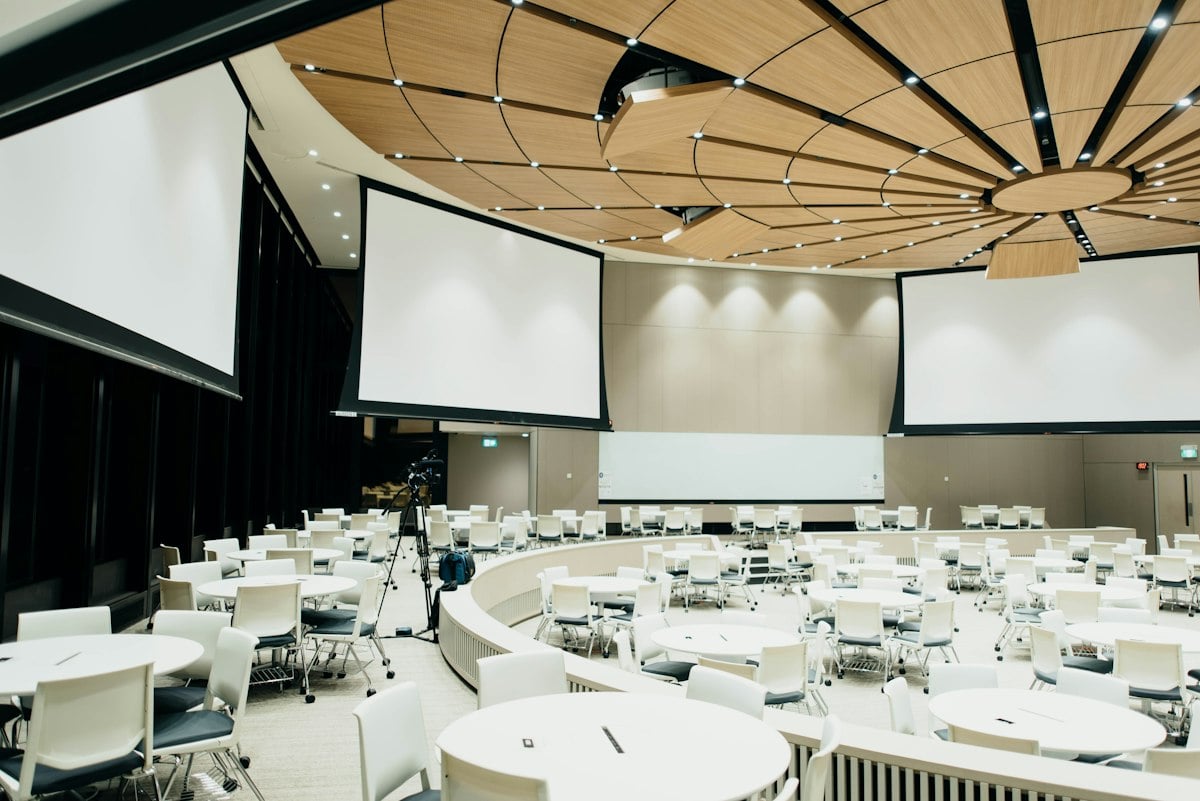
Conferences and trade shows represent a significant investment in time, budget, and human resources. For many brands, the primary goal is simple: create enough buzz and meaningful connections to justify the cost of the booth space and the travel. However, once the show floor closes and the banners are packed away, much of that vibrant energy is lost. Traditional event photography often focuses on staged shots of speakers or empty aisles before the doors open, missing the authentic, ground level experience of the attendees. This is where the interactive event gallery becomes a strategic asset for modern marketers.
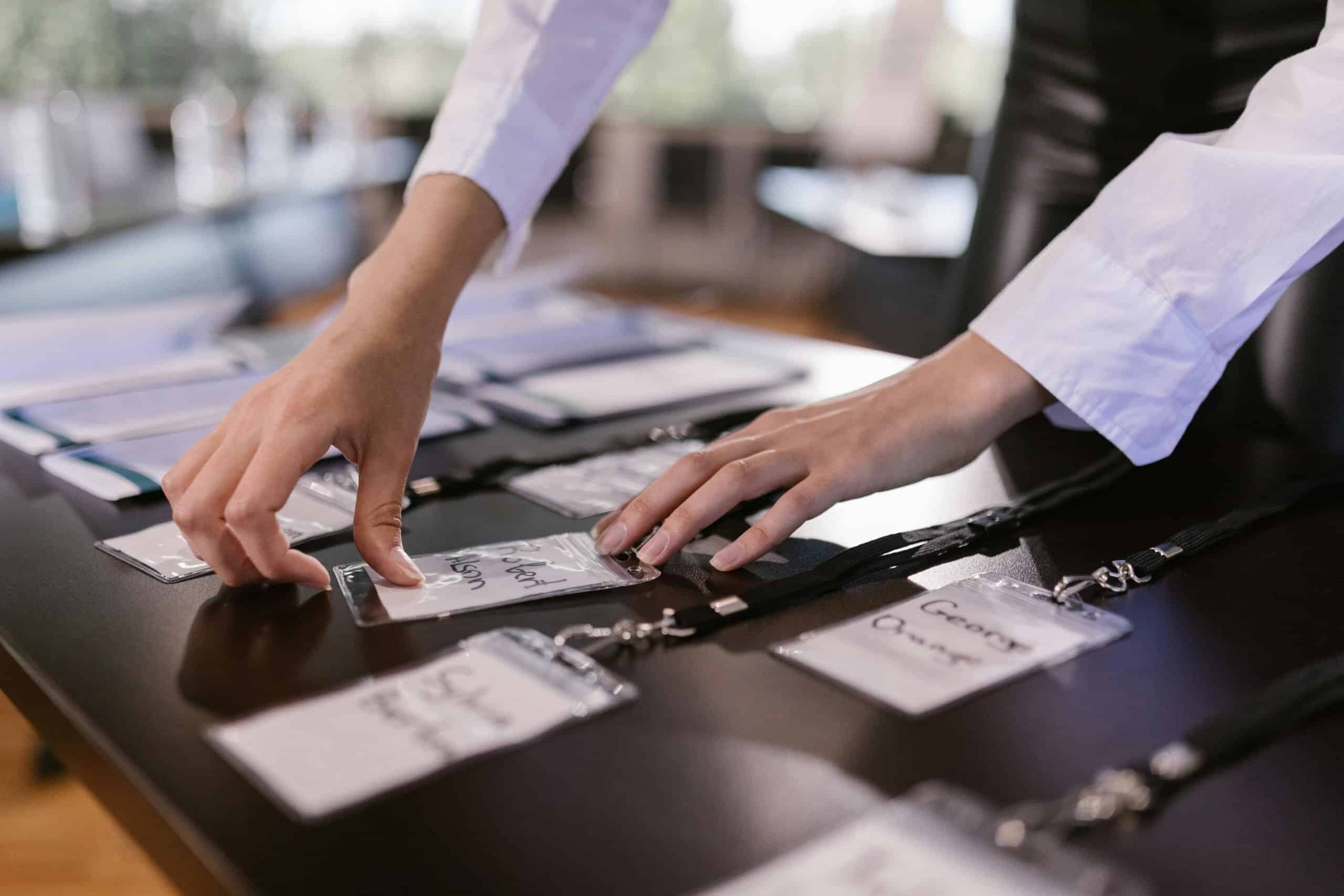
By empowering attendees to document their own journey through your event or booth, you are not just collecting content. You are fostering a sense of community and participation. When prospects and partners contribute their own perspectives, the resulting gallery serves as a living record of the event’s success. More importantly, it provides a high-value, low-friction pathway for continued engagement long after the badges have been recycled.
The Shift Toward Frictionless Content Capture
The biggest hurdle in attendee participation has always been friction. In the past, organizers asked guests to download a specific event app, register an account, and navigate a complex interface just to share a single photo. In the fast paced environment of a trade show, where attendees are moving between sessions and scanning hundreds of booths, these extra steps are a participation killer. Most people simply will not do it.
The solution lies in browser-based, instant sharing. GUESTPIX addresses this challenge through a streamlined QR code system that requires no app downloads, no registration, and no tedious login processes. An attendee simply scans a branded QR code at your booth or on the main stage and is immediately directed to your custom gallery via their smartphone’s native browser. From there, they can snap a photo or record a video and upload it instantly. This ease of use ensures that you capture the spontaneous moments, the “aha” insights during a presentation, and the genuine smiles at a networking mixer, all without interrupting the flow of the attendee’s experience.
For the event organizer, this means a higher volume of content and a more diverse range of perspectives. Instead of one or two hired photographers, you have hundreds of contributors acting as your eyes and ears on the ground. You can find more detail on how this logistical flow works for corporate settings at guestpix.com/business-how-it-works/.
Strategic Lead Generation Through Photo Sharing
While the visual record of the event is valuable, the real power of an interactive gallery for businesses is its ability to capture event leads. Trade show marketing is often a battle against the “hard sell.” Attendees are frequently wary of giving out their contact information because they know it will lead to an immediate, aggressive sales pitch. A photo sharing gallery offers a much more subtle and effective approach.
When an attendee uploads a photo to your branded gallery, you have a natural, value-added reason to reach out. Sharing the finalized event gallery link is a fantastic way to establish follow-up outreach with prospective customers without the friction of a hard sales pitch. Instead of an email that says, “Do you want to buy our product?” your first post-event touchpoint can be, “It was great meeting you at the show. Here is the link to the collective photo gallery we all built together.” This positions your brand as a facilitator of the event experience rather than just another vendor seeking a signature on a contract.
This “soft” follow-up helps to keep the conversation warm. It reminds the prospect of the positive experience they had at your booth and provides a reason for them to click through to your site. By integrating lead capture fields within the upload process, you can collect names and email addresses in a way that feels like a natural part of the event’s social fabric.
The Video Guestbook: Creating Professional Corporate Montages
Beyond static images, video has become the most effective medium for storytelling in the B2B space. However, producing high-quality video content at a conference is usually expensive and logistically difficult. You often need a dedicated film crew, lighting, and sound equipment. The interactive gallery model flips this dynamic by utilizing the Video Guestbook feature.
Attendees can use their own devices to record short video clips, such as quick testimonials, thoughts on a keynote speaker, or a fun message from the hospitality suite. Because these videos are captured through the same frictionless QR code system, participation rates remain high. Once the event concludes, these individual attendee and prospect video clips can be compiled into a high-quality, professional corporate montage.
This montage is an incredibly powerful piece of post-event marketing collateral. It shows real people, in real-time, engaging with your brand. These authentic voices carry more weight than a polished corporate promo video because they represent the “social proof” of your event’s impact. These montages can be featured on your business landing pages, shared on LinkedIn, or included in your internal wrap-up reports to stakeholders.
Engaging Your Audience with Written Feedback
While photos and videos capture the visual and emotional vibe, the Written Guestbook pillar allows you to gather the intellectual and qualitative data of the event. This feature enables attendees to leave text-based messages, suggestions, or feedback. In a trade show context, this can be used as a digital “suggestion box” or a place for prospects to ask specific questions they didn’t have time to voice at the booth.
All of this data is fully downloadable as a CSV file. This is vital for the sales and marketing teams who need to digest the information and integrate it into their CRM systems. You are no longer relying on handwritten notes on the back of business cards or the fading memories of your booth staff. You have a structured, digital record of what your audience was thinking and feeling during the show.
Compliance, Privacy, and the Importance of Custom Terms
In the modern business landscape, data collection is not just about the “how” but also about the “legal.” This is especially true for companies operating in the UK, Europe, and North America. GDPR (General Data Protection Regulation) and CCPA (California Consumer Privacy Act) have set strict standards for how personal data is handled and how consent is obtained.
One of the critical advantages of using a professional tool like GUESTPIX is the support for a fully branded template with custom Terms and Conditions. You can ensure that every attendee who uploads content is presented with your specific legal requirements. This allows for compliant data collection that protects both the attendee and your organization. You can clearly state how their data will be used, how they can request deletion, and how you intend to contact them in the future.
When you have a robust legal framework in place, you can move forward with confidence. The user-generated content (UGC) gathered through these interactive galleries can be safely re-used for marketing, advertising, and branding purposes, subject to your custom Terms and Conditions. Whether you want to feature a great attendee photo in your next social media ad or use a video clip in a promotional reel, having the clear, documented consent of the contributor is a non-negotiable requirement for any serious corporate entity.
Maximizing the Lifetime Value of Event Content
A common mistake in event marketing is treating the content as “one and done.” A gallery shouldn’t just exist for the three days of the conference. If managed correctly, the content you collect at a single trade show can fuel your marketing calendar for months.
Authentic photos of your team interacting with clients are far more engaging than generic stock photography. By tapping into the UGC you’ve collected, you can build a library of assets that demonstrate your brand’s active presence in the industry. This is particularly useful for:
- Social Media Content: Sharing “throwback” photos or highlighting a “video of the week” from the gallery keeps the event’s momentum alive on LinkedIn and Instagram.
- Email Newsletters: Including a link to the gallery in your post-show newsletter gives your entire database a peek into the event, even if they couldn’t attend in person.
- Website Branding: Real world imagery from conferences helps to humanize your brand and shows that you are an active participant in your professional community.
- Future Event Promotion: There is no better way to sell tickets or booth space for next year’s show than by showing a vibrant, interactive gallery from this year’s success.
Best Practices for Implementing an Interactive Gallery
To get the best results from your interactive event gallery, you should treat it as a core part of your event strategy, not an afterthought. Here are several ways to ensure high participation and quality content:
1. Make the QR Codes Visible and High-Contrast
Place your QR codes where people naturally congregate or pause. Good locations include the registration desk, at the end of session aisles, on cocktail tables during networking hours, and prominently on your booth’s main backdrop. Use high-contrast designs so that phones can easily pick up the code from a distance or in varied lighting conditions.
2. Give Them a Reason to Share
While many people will share photos simply for the fun of it, a small incentive can go a long way. Consider running a “photo of the day” contest where the winner gets a gift card or a discount on your services. Mention the contest on your booth signage to give attendees an extra nudge to scan and upload.
3. Display the Live Gallery on Booth Screens
If you have large monitors at your booth, display the live gallery as it updates. When people see their own photos appearing on a big screen, it creates an immediate feedback loop that encourages others to join in. It turns your booth into a dynamic, shifting environment that stands out from the static displays of your neighbors.
4. Train Your Booth Staff
Your team should be comfortable explaining how the gallery works. It only takes five seconds to say, “Hey, we’re building a collective gallery of the show. Scan this code if you want to add any photos or videos you take today!” This personal invitation is often the difference between a gallery with 20 photos and one with 200.
The New Standard for Event Interaction
The days of passive event attendance are over. Modern attendees expect to be part of the story. By providing a professional, compliant, and frictionless way for them to share their experiences, you are transforming your presence at conferences and trade shows from a simple display into an interactive community hub.
GUESTPIX provides the framework to make this possible without the technical headaches of app management or the legal risks of non-compliant data collection. From the initial scan of the QR code to the final professional video montage and the CSV lead export, the entire process is designed to support business growth and brand authority. As you plan your next major event, consider how an interactive gallery can bridge the gap between a fleeting moment on the show floor and a long-term, profitable customer relationship.