I have spent years helping thousands of couples and hosts capture the magic of their celebrations. One thing I have learned is that photo collection should be effortless for both you and your guests. While using a QR code event photo sharing platform is the smartest way to gather every candid moment, the secret to high engagement lies in your signage. If your guests do not see the code or understand how to use it, those precious memories might stay locked on their phones forever.
At GUESTPIX, we want your gallery to overflow with joy. That is why every one of our packages includes access to our free, customizable QR Code Design Suites. Whether you need elegant Canva templates, printable table cards, or large welcome posters, we provide the tools to ensure your guests know exactly how to share the love. Best of all, the experience is completely app-free. Your friends and family simply point their camera and upload, meaning no guest account creation and zero technical hurdles.
Why Signage Design & Placement Make or Break Your Scan Rates
The placement of your QR code for wedding photos is just as important as the design itself. To get the most out of your gallery, you need to put your signs where guests naturally linger. The welcome table is your first opportunity to set the tone, but it should not be your last. I always recommend placing signs at the bar area, on dining tables, and near the guestbook station. These are the spots where people have their phones out and a few moments to spare.
Lighting and contrast are the technical heroes of successful scanning. A phone camera needs to clearly “see” the patterns of the code. Always use a dark QR code on a light, neutral background. While glossy acrylic signs look beautiful, be mindful of venue lighting. Heavy glare from overhead bulbs or bright sunlight can make a code unscanable. If you are using acrylic, test the placement during your rehearsal to ensure the camera can pick up the code from various angles.
Best Signage Formats for Weddings, Parties, and Corporate Events
There are three main formats that consistently perform well across all types of events:
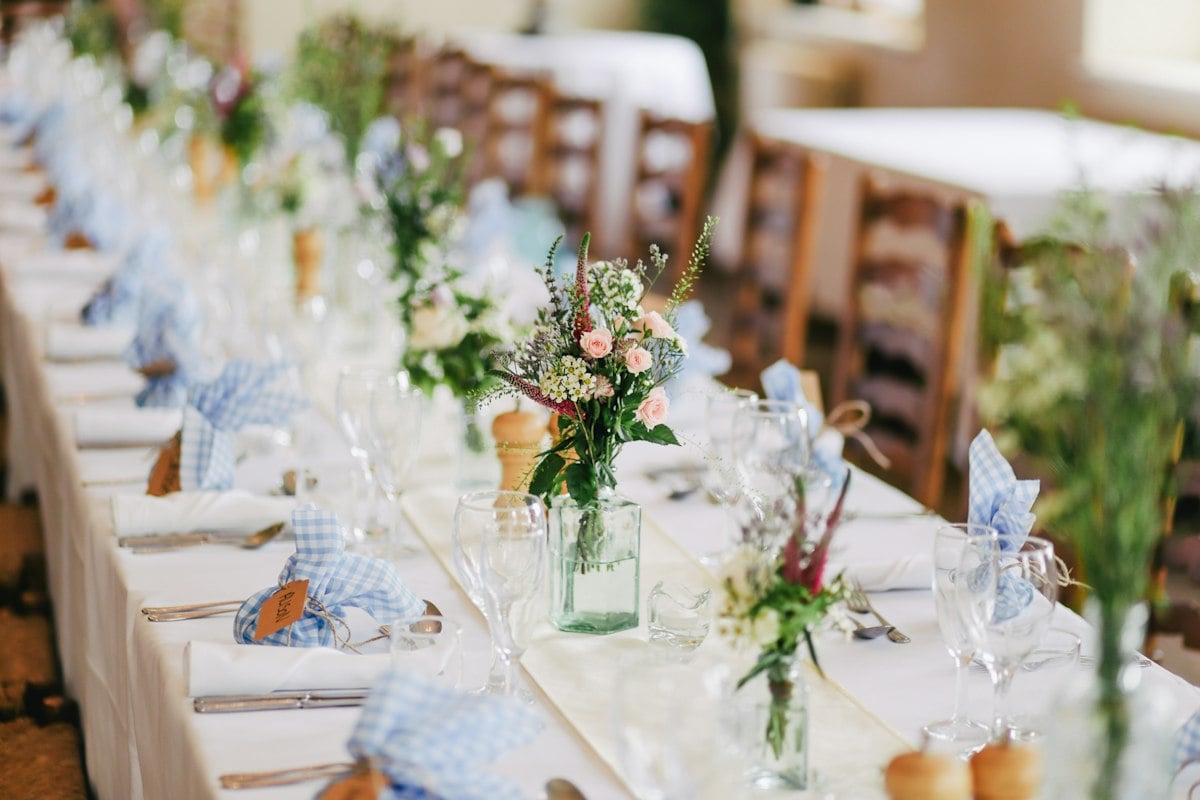
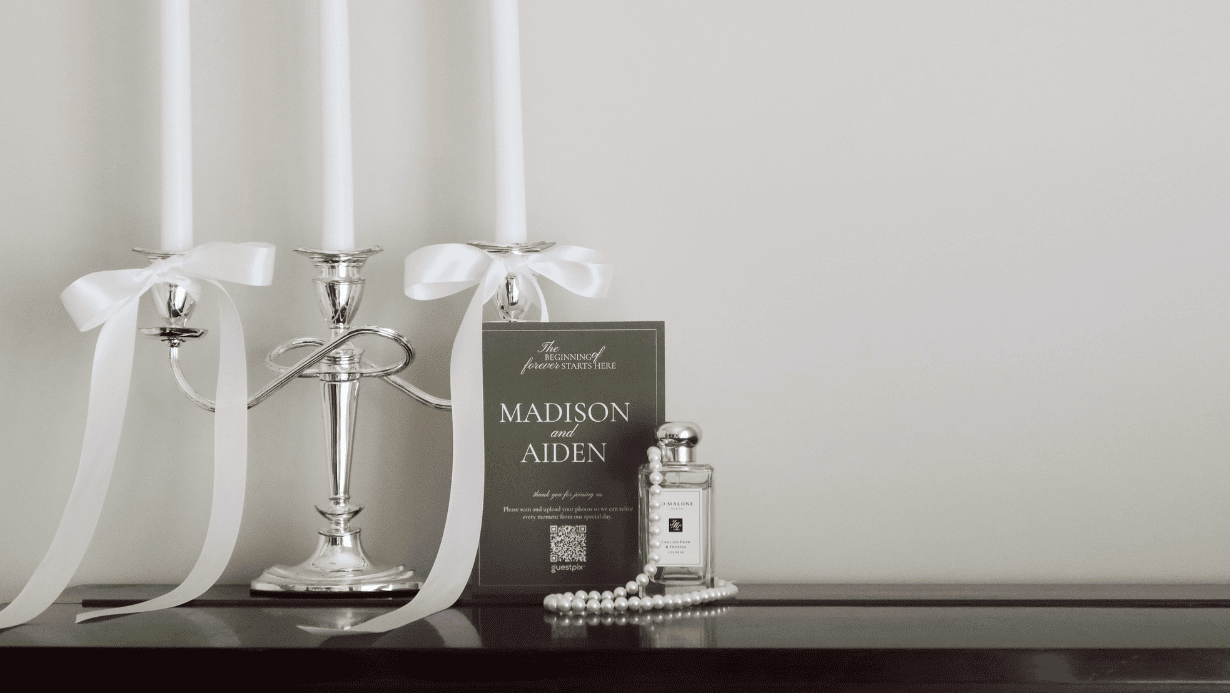
- Table Cards and Tents: These are the workhorses of photo collection. An ideal size is 5×7 inches or 4×6 inches. This size is large enough to be noticed among the centerpieces but small enough not to crowd the table settings.
- Welcome Board Displays: A large 18×24 inch board at the entrance is a fantastic way to introduce the concept. It tells guests right away that you want them to be part of capturing the story of the day.
- Printed Invitation Enclosure Cards: You can actually start gathering interest before the event even begins. By including a small card in your physical mail-outs or a link in your digital invites, guests can get familiar with the gallery early.
Our 100% free digital invitations also include a downloadable .ics calendar file. This allows your guests to save your event to their calendar with a single tap, ensuring they arrive on time and ready to celebrate.
How to Use the GUESTPIX Free QR Code Design Suite
We believe that your wedding qr code signs should match your event aesthetic perfectly. Our design suite simplifies the entire process. Once you set up your gallery, you will receive a unique, high-resolution QR code. You can then open our curated Canva templates and start personalizing.
You can easily add your custom event colors, change the fonts to match your stationery, and even include a photo of the happy couple or the event branding. Once you are happy with the look, download the file as a print-ready PDF. You can print these at home on high-quality cardstock or send them to a local print shop for a professional finish. It is a simple, three-step process that takes the guesswork out of DIY signage.
Friendly Wording Ideas for Your QR Code Signs
The wording on your qr code table signs should be warm and clear. You want to invite guests to participate without making it feel like a chore. Here are some of my favorite catchy phrases that encourage scans:
- “Scan to Share the Love: Help us capture the moments we might have missed.”
- “No App Needed! Just point your camera and upload your photos and videos.”
- “Our Written Guestbook: Scan to leave us a note and share your favorite snaps.”
- “Help Us Build Our Memories: Scan here to add your photos to our digital gallery.”
Remember that while our free tier includes a written guestbook and 50 free photos, our paid packages (Classic, Signature, and Luxe) allow for unlimited video uploads and a video guestbook. If you have chosen a paid plan, make sure your signage mentions that you would love to see their video clips and well-wishes too!
Ready to Collect Every Guest Photo & RSVP?
Set up your event gallery in seconds, design beautiful custom signs with our free design suite, and let guests share memories without downloading an app.
Frequently Asked Questions
How to display a photo QR code at a wedding?
Display your wedding photo QR code on table cards, welcome signs at the venue entrance, and on the bar. Placing signs in well-lit areas where guests linger ensures maximum scans without interrupting the flow of your day.
What size should a QR code sign be for an event?
Table signs and cards work best at 5×7 inches or 4×6 inches, while entrance welcome boards should be at least 18×24 inches. Ensure the QR code graphic itself is at least 2×2 inches so phone cameras can easily scan it from a distance.
How do you put a QR code on a wedding invitation?
Place a QR code directly on your physical enclosure card or digital invite using our free design templates. Guests scan the code to view event details, save the downloadable .ics calendar reminder, and RSVP instantly.
How do I make a QR code for my wedding or party?
GUESTPIX automatically generates a unique, high-resolution QR code when you set up your event gallery. You can download the code instantly and pair it with our free QR Code Design Suite to create custom event signage.