We have all been there. You are planning a birthday milestone, an engagement party, a baby shower, or a weekend celebration with friends. You sit down at your laptop with a warm cup of coffee, ready to send out the invites, and then you hit the wall. The wall is the guest list.
Traditional invitation websites ask you to type in every single guest’s first name, last name, email address, and phone number one by one. If you have 50 guests, that is 50 opportunities to mistype an email, hunt down an address in old text threads, or get stuck behind a paid per-recipient paywall before your event even starts.
There is a far simpler way to handle event invitations in 2026. Instead of spending hours typing up contacts, smart hosts are switching to self-register digital invitations. You create one private link or QR code, share it wherever your guests already hang out, and let your guests type in their own details when they RSVP.
The Problem with Traditional Invitation Guest Lists
For years, online party invitations followed the same outdated model. The host was expected to act as a data entry clerk before sending a single invite. Here is why that old approach creates friction for both hosts and guests:
- Typing Fatigue: Manually gathering and typing 50 to 100 email addresses takes hours you could spend planning the actual party.
- Spam Filter Traps: Mass-emailed invites from big invitation platforms frequently land in your guests’ spam folders, leaving you chasing responses over text anyway.
- Per-Guest Fees & Coins: Many platforms charge extra “coins” or fees for every additional email address you add to your list.
- Outdated Guest Info: People change email addresses and phone numbers constantly. When you type in old contact info, invites bounce.
Enter Self-Register Invites: How the “One Link” Method Works
The secret to effortless event planning is shifting the data entry to the guest. When you use free digital invitations from GUESTPIX, setup takes less than 60 seconds.
Here is how the self-register RSVP process works from start to finish:
- Set Up Your Event Page: Choose your event name, date, time, and location in your host dashboard. You do not need a credit card, and you do not need to enter a guest list.
- Get Your Custom Link & QR Code: GUESTPIX instantly generates a private invitation link and a custom QR code for your event.
- Share It Anywhere: Drop the link into your family WhatsApp group, send it in a group text, post it in a private Facebook group, or print the QR code on paper cards.
- Guests RSVP & Self-Register: When guests tap the link or scan the code on their phone, they enter their own name, RSVP response, dietary requirements, and song requests.
- Your Guest List Auto-Populates: Your host dashboard automatically builds a neat, organized guest list in real time as responses come in.
One-Tap Calendar Sync (.ics Export) for Fewer Missed Parties
One of the biggest reasons guests forget parties or ask “what time was that again?” is because event details get lost in text threads. GUESTPIX solves this automatically.
Every digital invitation includes an integrated .ics calendar file button. When your guests RSVP, they can tap once to save the event date, time, address, and host notes directly into Google Calendar, Apple Calendar, or Outlook. It puts your party straight onto their personal calendar with zero effort.
From RSVPs to Memories: The Event Day Advantage
Most standalone invitation tools disappear the moment the party starts. GUESTPIX connects your pre-event invitations directly to your event-day experience.
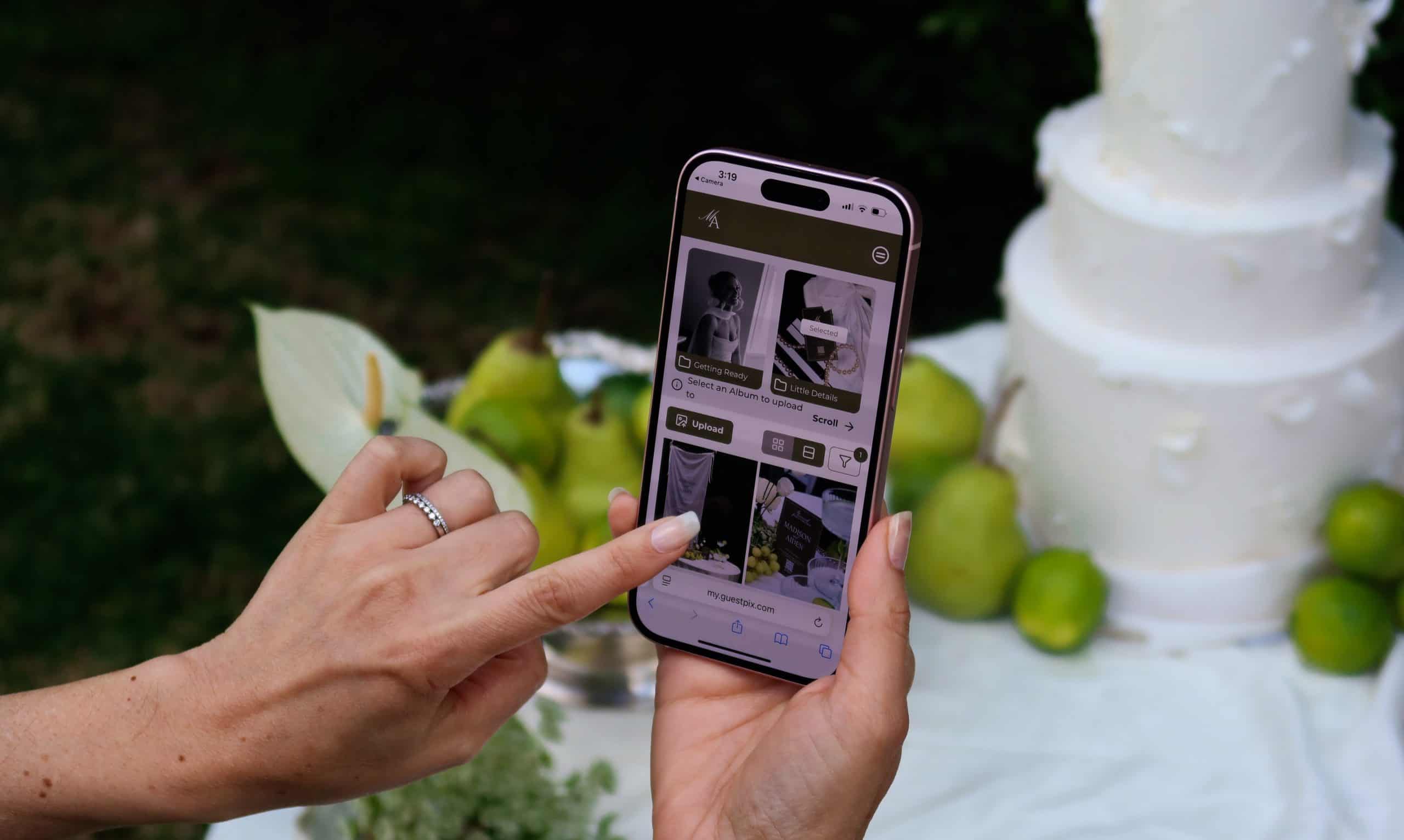
The exact same link or QR code your guests used to RSVP becomes their gateway to sharing photos on the day of the event. Guests scan the code on table displays or tap their saved link to upload photos into one shared, private gallery. Because GUESTPIX requires no app downloads or guest account creation, participation is instant for guests of all ages.
Your free GUESTPIX account includes 100% free digital invitations, unlimited guest RSVPs, a written digital guestbook, and up to 50 photo uploads. When you want to unlock unlimited photo uploads, video messages, or a video guestbook, you can easily upgrade to a paid package at any time.
Whether you are organizing an intimate dinner or a major milestone, using a free photo sharing app with built-in digital invites gives you full control over your event from start to finish. You can also explore QR code event photo sharing options to see how easily photos, written wishes, and guest RSVPs come together in one place.
Frequently Asked Questions
What is the best free online invitation maker with RSVP?
GUESTPIX offers a 100% free digital invitation and RSVP tool that lets hosts create an event link or QR code in 60 seconds. Guests self-register without downloading an app or creating an account.
Do hosts have to manually type in guest email addresses to send invitations?
No. With GUESTPIX, hosts share one smart link or QR code via text, WhatsApp, or social media. Guests fill in their own name and contact details when responding, so your guest list auto-populates itself.
Can guests save the event date directly to their mobile calendar?
Yes. GUESTPIX digital invitations include a downloadable calendar file (.ics) so guests can add the celebration to Google Calendar, Apple Calendar, or Outlook with one tap.
Are video messages and video uploads free?
The free tier includes written guestbook messages, RSVPs, and 50 photo uploads. Video guestbook messages and video uploads require a paid event package upgrade.