

Sharing photos after an event doesn’t have to mean sending dozens of messages or starting a never-ending group chat. Your iPhone already has tools that make it easy to keep everyone connected to the same memories. Whether it’s a wedding, holiday, birthday, or family gathering, knowing how to share an album on an iPhone helps everyone relive the moment without the mess.
Below, we’ll walk through how iPhone album sharing works, when it’s useful, and when you might want something built more for group events.
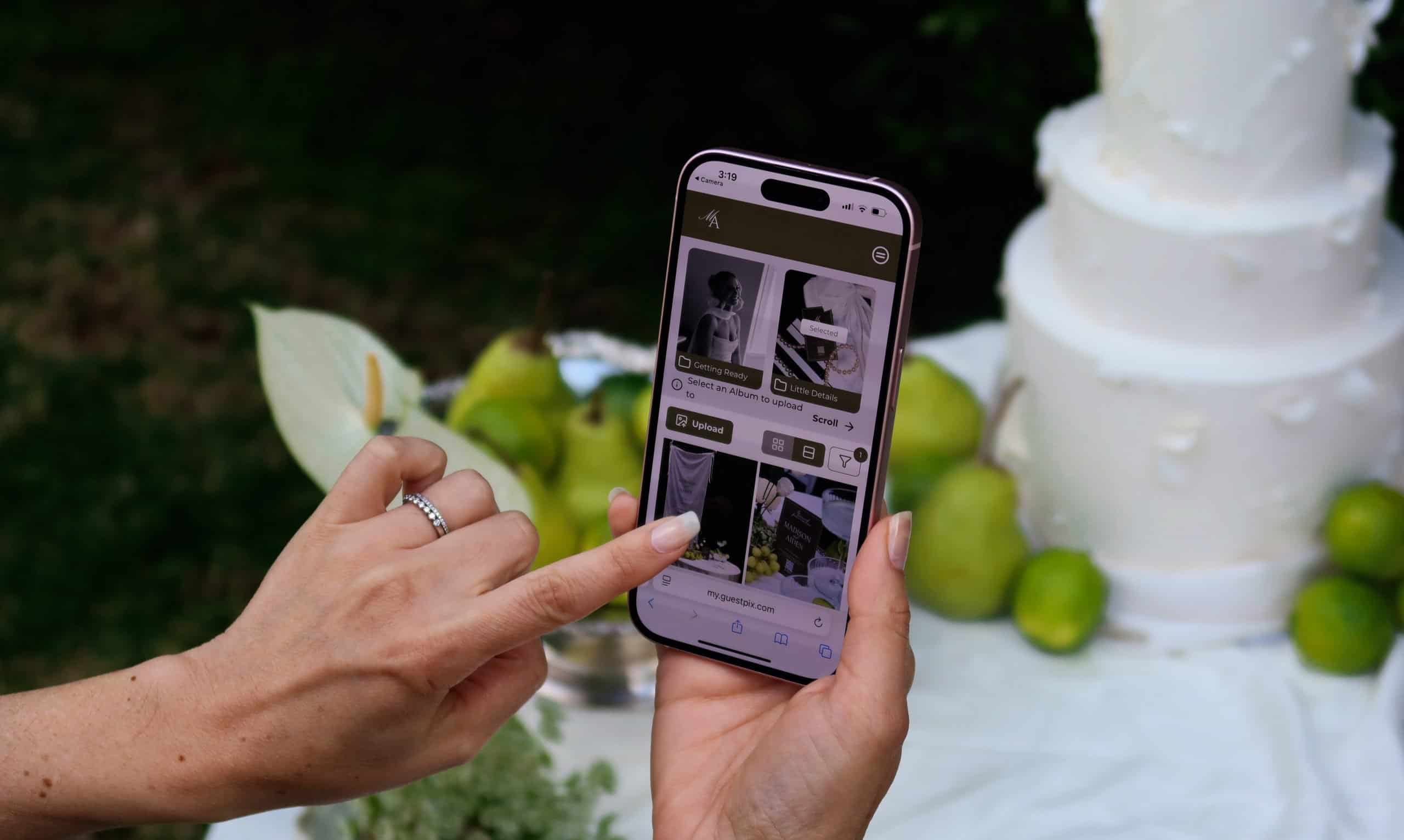
When lots of people are taking photos, things get scattered fast. One person has ceremony shots, someone else has the dance floor, and another has all the behind-the-scenes moments. Sharing an album brings everything together in one place, so no one misses out on the full story of the event.
It also removes the need to send photos individually. Instead of filling up message threads or email inboxes, everyone can access the same collection in an organized space. Guests can browse memories without needing to download hundreds of files to their phone.
How to Share an Album on iPhone Using Shared Albums
Apple’s built-in feature for this is called Shared Albums, and it’s designed to let multiple people view and contribute to the same photo collection.
Before creating your album, you’ll need to make sure the feature is switched on. Head to Settings, tap your name at the top, go to iCloud, then Photos, and turn on Shared Albums. Once that’s enabled, you’re ready to create your album.
Open the Photos app, tap Albums, then tap the + icon and choose New Shared Album. After giving it a name (something like “Sarah & Tom’s Engagement Party”), you’ll be prompted to invite people. You can add their email addresses or phone numbers, and they’ll receive an invitation to join.
Once your album is live, adding photos is simple. Open the shared album, tap the +, choose the images or videos you want to include, and post them. You can also add comments, which is helpful for context, especially after events or trips.
You stay in control of the album at all times. By opening the album and tapping the People tab, you can allow others to upload their own photos, create a public link, manage subscribers, or adjust notifications. This makes it a flexible option for smaller groups who are already using Apple devices.
A More Event-Friendly Way to Share Photos
When photo sharing is a big part of the experience, like at weddings, parties, or corporate events, many hosts look for something designed specifically designed for group photo collection. That’s where GUESTPIX™ comes in.
Instead of being limited to one ecosystem like Apple, GUESTPIX™ works across all phones, tablets and computers, making it easy for everyone to join in. Guests don’t need to download an app or create an account; they simply use a link to upload and view photos, videos and guestbook messages. Galleries and albums are easy to organize, and photos and videos can be added in real time as the event unfolds.
It’s a great way to help maintain full resolution photo quality and gives hosts more control over privacy, access, and downloads. For events where hundreds or even thousands of images might be captured, having a platform designed for both small and large-scale sharing makes the whole process smoother for everyone involved.
GUESTPIX™ provides more than photo sharing capabilities and serves as a digital extension of your event. It offers a built-in, real-time slideshow feature, private social features such as likes and comments that boosts uploads, gallery color theming plus it’s new digital event invitation and rsvp feature which is a free inclusion across all event galleries.

Understanding how to share an album on iPhone is perfect for everyday photo sharing. It’s simple, built-in, and great for smaller groups. But when you’re dealing with larger events, mixed devices, and lots of contributors, using a dedicated photo-sharing platform can make the experience far easier and more inclusive.
Ready to start collecting everyone’s photos in one place? Create your gallery in minutes.